As the core setting for daily work, the layout, atmosphere, and detailed design of the workspace directly affect people's concentration, emotional state, and work efficiency. Often, when we fall into the predicament of "working hard but being inefficient," it is not due to insufficient ability, but to ignoring the subtle impact of the environment on behavior. No large-scale renovation is needed—by targeting the core elements of the workspace, we can lay a solid foundation for efficient work.
I. Spatial Layout: Create a "Distraction-Free" Focus Zone
A cluttered space scatters attention and plunges the brain into "decision fatigue," while a scientific layout can reduce distractions and help you quickly enter a work state. First, clarify the functional division of the office area, clearly separating the core work zone, data storage area, and leisure space to avoid the intermingling of work items and miscellaneous objects. The core work area should be spacious, with only the computer, keyboard, notebook, and other items required for the current task on the desktop. Frequently used stationery (such as pens and sticky notes) should be placed within arm's reach to minimize the time spent getting up or bending down to search for items.
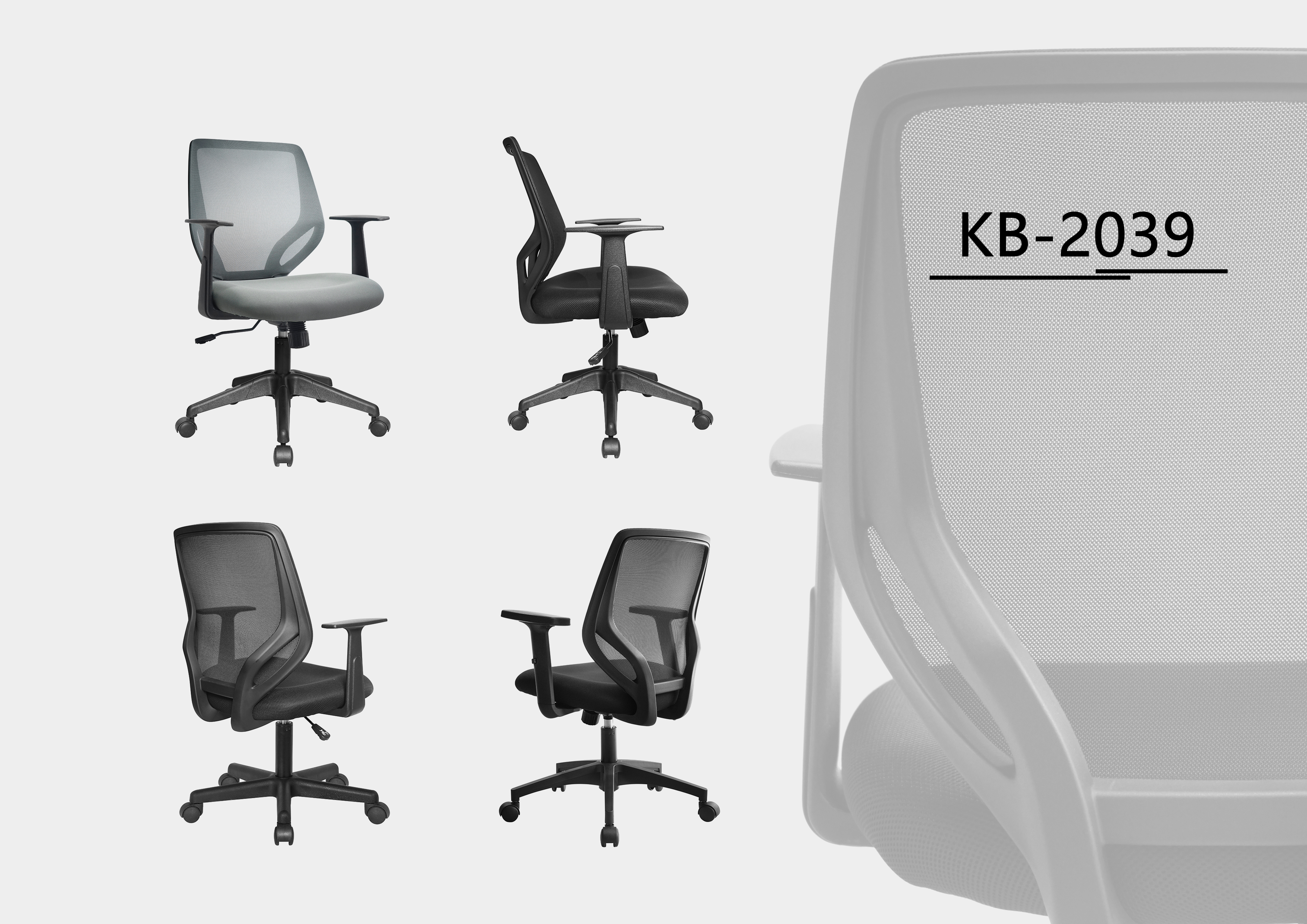
Second, reasonably plan the traffic flow and seat orientation. Try to stay away from high-traffic corridors, printers, and other noise sources. Position your seat against a wall or facing a quiet area to reduce visual distractions. For open office environments, temporary "semi-private spaces" can be created with room dividers and green plants, paired with noise-canceling headphones to block out noises like colleague conversations and phone calls, creating conditions for deep work. In addition, ensure the height of the chair and desktop is appropriate, maintaining a sitting posture with a straight back and naturally hanging arms. This not only relieves fatigue from prolonged sitting but also prevents distraction caused by physical discomfort.
II. Item Storage: Reduce Decision Costs with "Orderliness"
Piles on the desk not only affect visual tidiness but also hide important documents and tools, resulting in significant time wasted searching for items each time. The core of efficient storage is not just "putting things away," but "classifying on demand and ensuring easy access." You can sort items using the "three-category method": frequently used items (used daily) are placed on the desktop surface or the first layer of the drawer, sorted by frequency of use; spare items (such as printing paper and backup pens) are centrally stored in the middle layer of the drawer with clear classification labels; unused items (not used for more than three months) are promptly cleared out, donated, or discarded to avoid occupying space.
Meanwhile, make good use of storage tools to enhance orderliness. A layered file rack can be placed on the desktop to store documents by "to be processed, in progress, and completed," avoiding messy document stacking. Use partition boxes in drawers to separate stationery areas, miscellaneous item zones, and personal belongings, eliminating the "chaos" inside the drawers. Electronic file storage is equally important. Establish a clear folder hierarchy on your computer desktop, name files by "project name-time-content type," and regularly clean up the recycle bin and desktop cache to avoid wasting time searching for electronic files, maintaining consistent orderliness in both digital and physical spaces.
III. Lighting and Atmosphere: Activate Work State with "Comfort"
Lighting and environmental atmosphere directly affect mood and brain activity. A dim, oppressive environment tends to induce fatigue, while appropriate lighting and atmosphere can boost concentration and creativity. Prioritize natural light by placing your desk near a window to allow ample natural light to illuminate the desktop. Natural light not only reduces eye strain but also regulates the biological clock, keeping you alert. If natural light is insufficient, supplement with artificial lighting. Choose a warm white (4000K-5000K) desk lamp and place it on the left side of the desktop (for right-handed users) to avoid glare from direct light on the screen. Ensure uniform lighting throughout the office area without obvious bright or dark spots.
In terms of atmosphere creation, adjustments can be made through elements like green plants and colors. Place a few shade-tolerant green plants (such as pothos, succulents, and snake plants) on the desktop or in corners. Green plants purify the air, ease visual fatigue, add vitality to the workspace, and improve emotional well-being. Wall colors can be light tones (such as off-white, light blue, and light gray), which are soft and non-dazzling, helping to keep people calm. Avoid overly bright, heavy colors to prevent distraction. In addition, control the temperature and humidity of the office environment, maintaining a room temperature of 22℃-26℃ and humidity of 50%-60% to avoid physical discomfort caused by extreme cold, heat, or dryness, which can hinder work efficiency.
IV. Detail Optimization: Avoid Hidden Distractions with "Humanization"
Many easily overlooked details are often hidden barriers to efficiency. First, organize the wires of electronic devices in the office area. Use cable organizers and trunking to arrange the wires of computers, chargers, headphones, etc., to avoid tangling. This is not only aesthetically pleasing but also prevents accidental trips, while reducing visual distractions from messy wires. Second, reasonably plan the placement of personal items. Keep personal belongings such as water cups, snacks, and skincare products in the leisure area or the corner of the desktop to avoid disrupting the work rhythm with frequent breaks for drinking or eating. Set fixed rest times to handle personal matters.
In addition, optimize detailed configurations according to work habits. For those who use computers for extended periods, equip external keyboards, mice, and monitors to adjust the screen height and distance, reducing pressure on the cervical and lumbar vertebrae. People who often need to record inspiration can place sticky notes or whiteboards on the desktop to jot down ideas quickly and avoid losing inspiration. Prepare noise-canceling headphones, eye masks, and other items in the office area to cope with sudden noises or short rest periods. Meanwhile, clean the office environment regularly—spend five minutes organizing the desktop before leaving work each day and conduct a deep cleaning every week to keep the space tidy and prepare for the next day's work.
Conclusion: Environmental Empowerment Makes Efficiency Natural
Optimizing the workspace is essentially sorting out work habits and living conditions. It does not require expensive investments but can provide continuous empowerment for efficient work by reducing distractions, relieving fatigue, and regulating emotions. When the workspace becomes neat, orderly, comfortable, and pleasant, the brain can be freed from trivialities, allowing you to focus on core tasks, and efficiency will naturally improve steadily. Why not start today with small steps like organizing the desktop and adjusting the lighting, and let the workspace become a boost rather than a hindrance to efficient work.


